01 / PRESENTATION
Stay focused in the view that fits the moment.
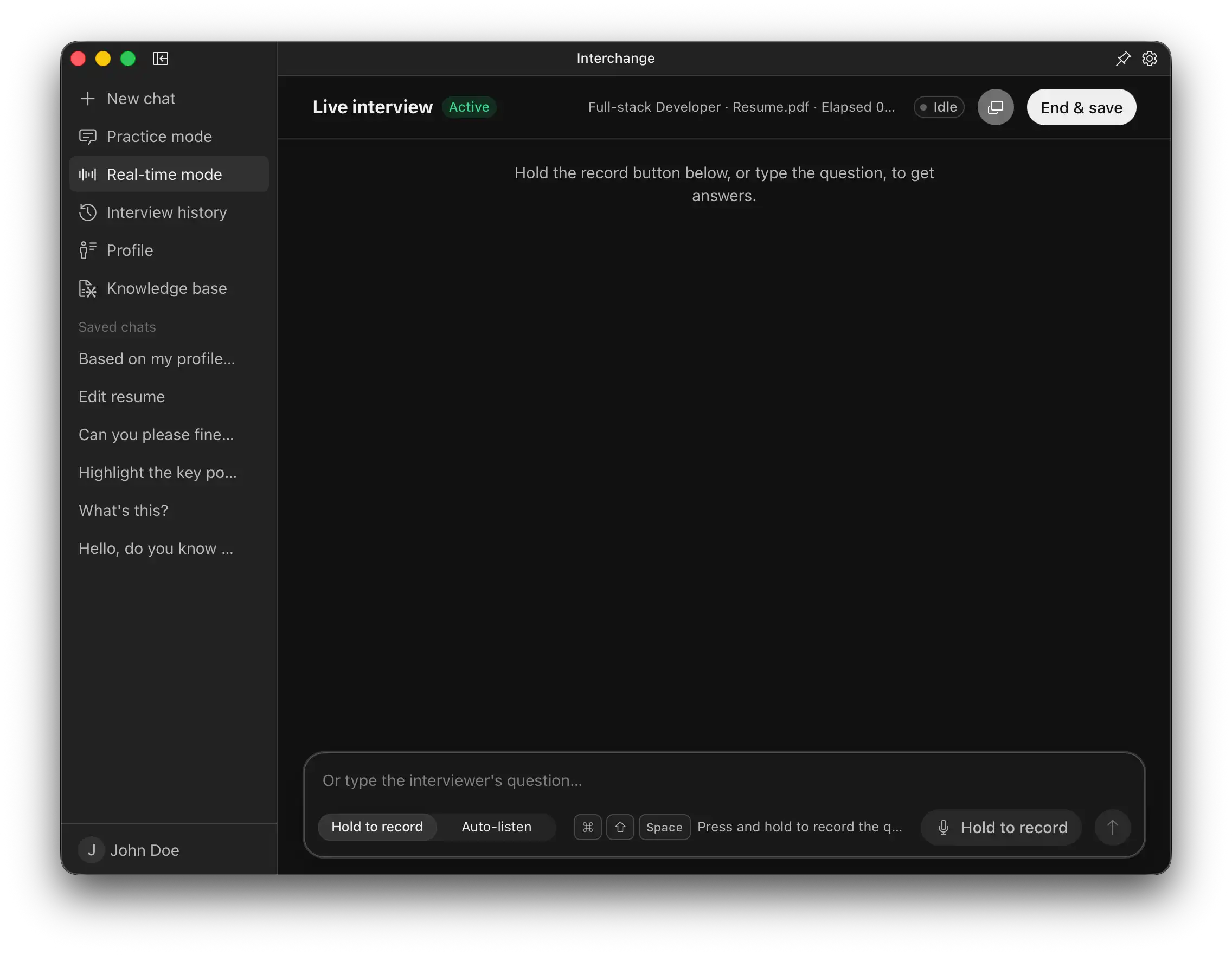
During a meeting, switch between the complete workspace and a lightweight floating overlay anytime. Keep questions and answers within reach without taking over your screen.
 Interchange
AI MEETING ASSISTANT
From conversations that shape your next move to everyday meetings, understand discussions in real time, get answers when you need them, and automatically create clear, reviewable notes.
REALTIME ASSISTANCE
Interchange understands meeting and call audio on your device, identifies questions from the live discussion, and generates immediate answers and supporting thoughts.
Current question
Waiting for a question…
Waiting for a detailed answer…
Waiting for a quick answer…
HOW INTERCHANGE WORKS
During a meeting, switch between the complete workspace and a lightweight floating overlay anytime. Keep questions and answers within reach without taking over your screen.
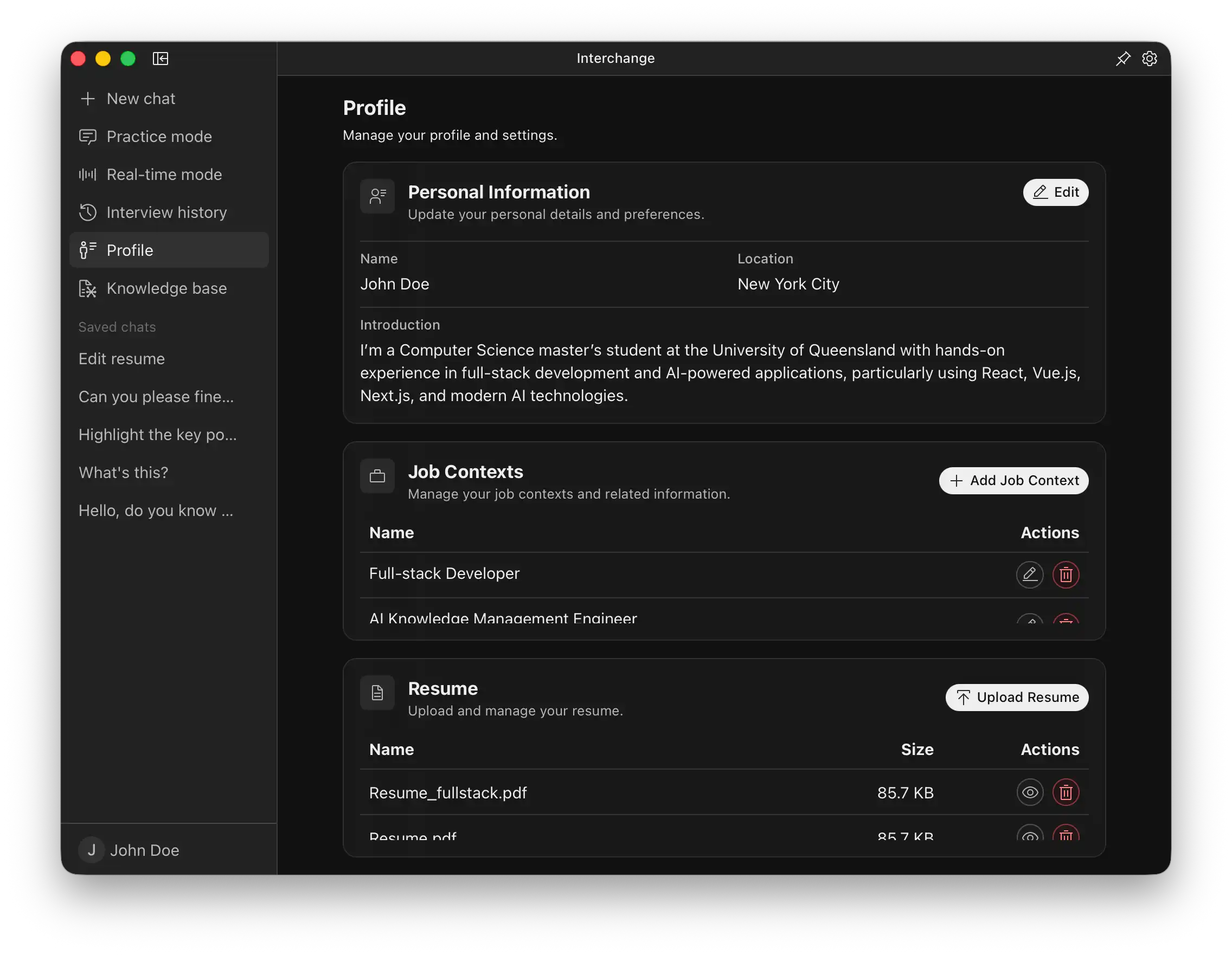
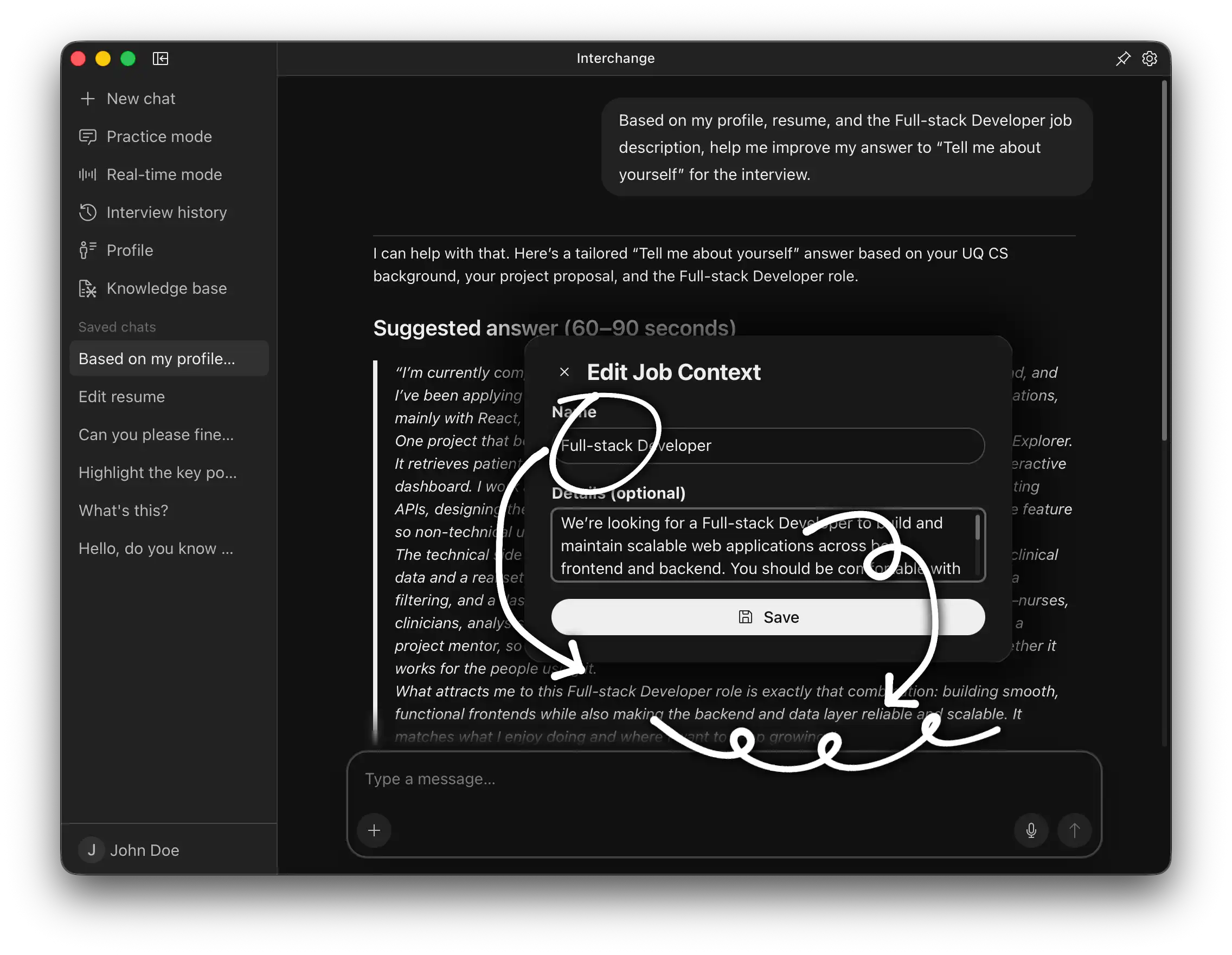
Select relevant reference materials before a meeting. Interchange combines the current conversation with the selected materials, so every answer is more accurate and more closely aligned with what’s being discussed.
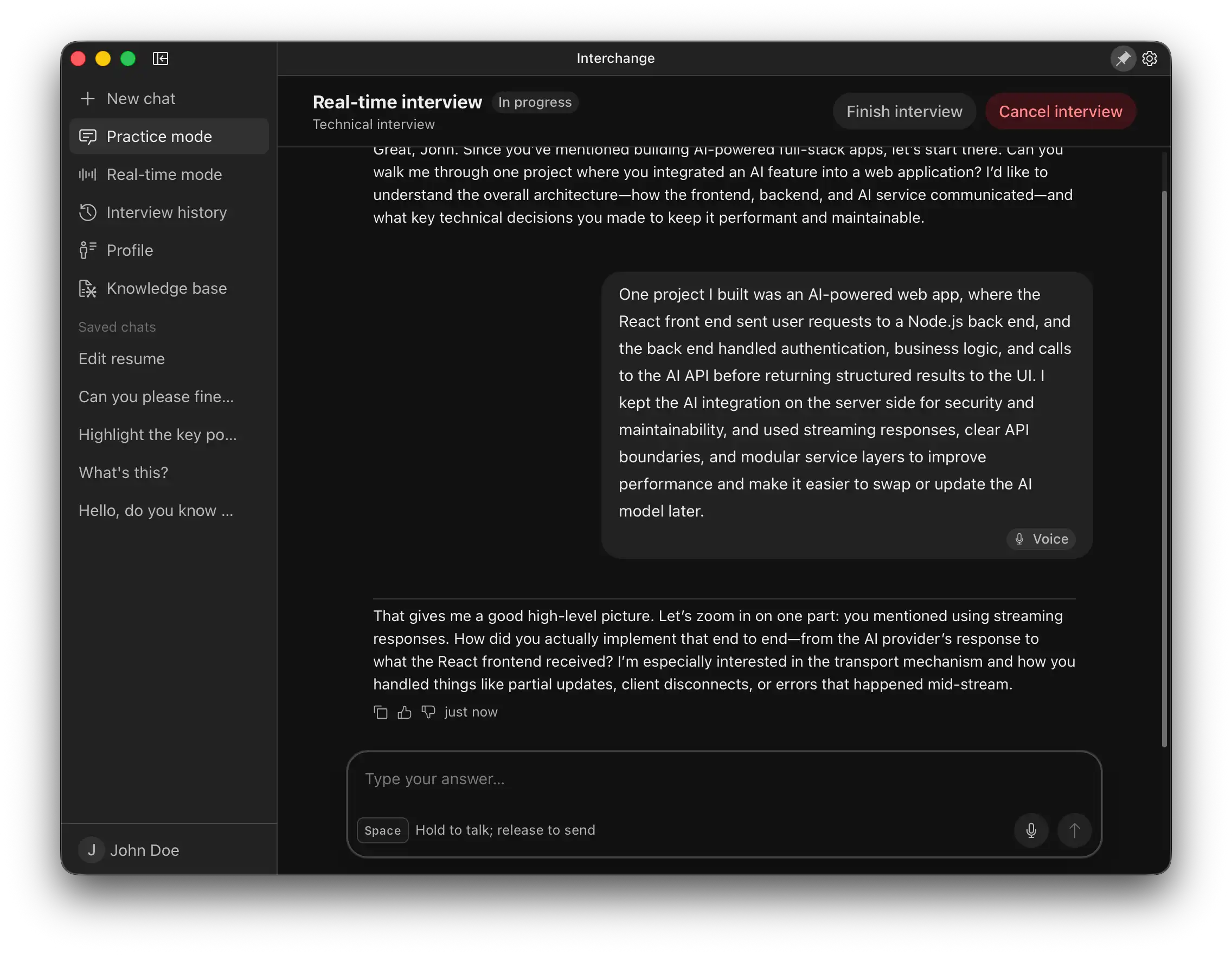
Set the meeting topic, participant roles, and reference materials. Interchange simulates different participants, continuously asking questions, probing deeper, or shifting between agenda items. There is no fixed number of rounds—you decide when the rehearsal ends.
Interchange transcribes the full conversation and turns it into clear meeting notes, extracting key decisions, action items, and unresolved questions. You can revisit the transcript at any time or keep asking questions about the discussion.
BEFORE, DURING, AND AFTER
Rehearse likely discussions before the important questions begin, get instant answers during the meeting, and automatically organize key points and action items afterward. Interchange brings everything you need into one app.
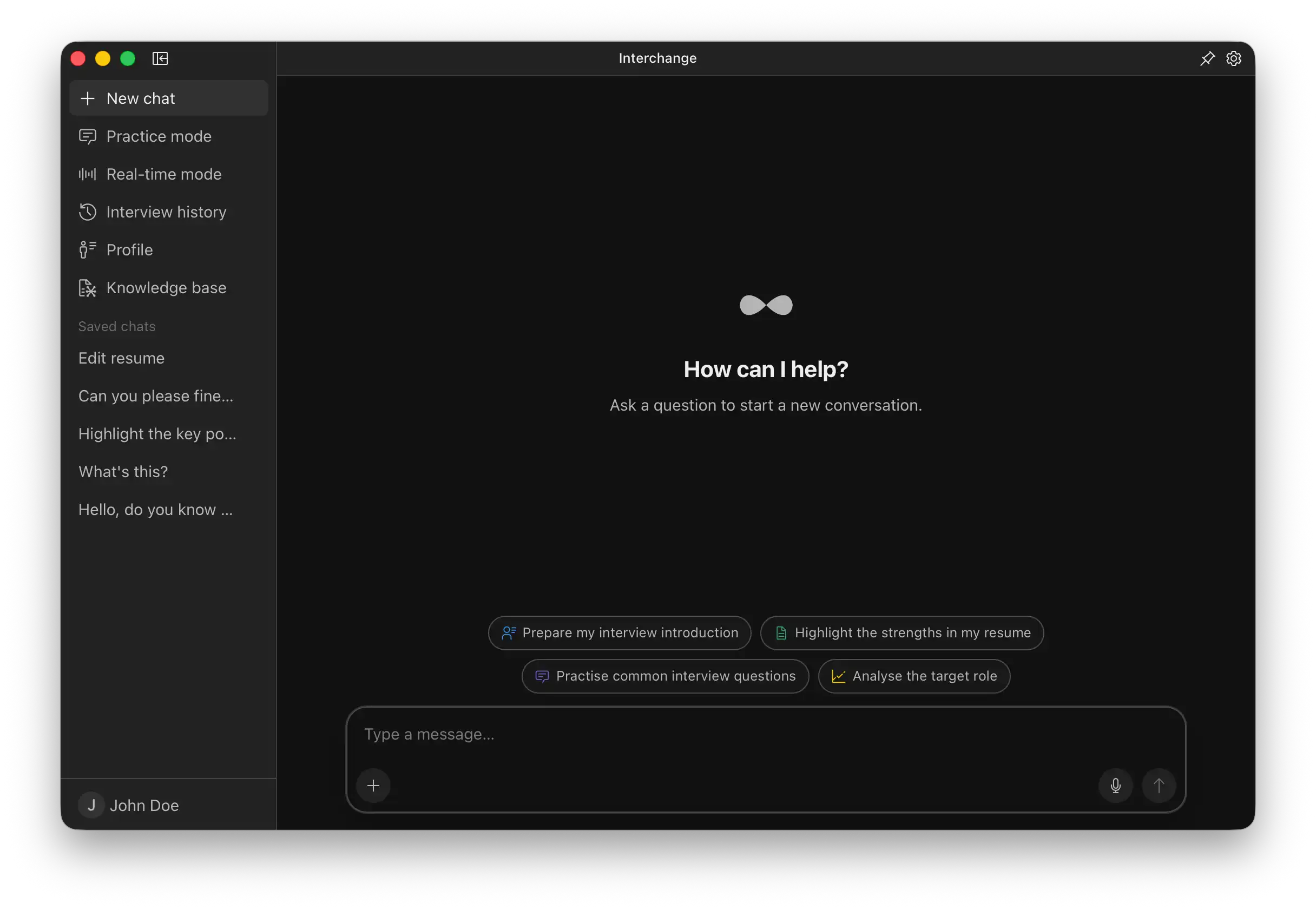
The meeting topic, knowledge base, and selected references provide context for every rehearsal and live response.
Questions, answers, and supporting thoughts appear as they are generated, keeping the discussion moving.
Interchange keeps track of the discussion so every response can build on what came before.
Afterward, it extracts decisions, action items, and unresolved questions so work can keep moving.
DESIGNED FOR REAL MEETINGS
Interchange helps you prepare before a meeting, respond during it, and follow up afterward. You decide when it starts, how much it shows, and how generated content is used.
Meeting assistance and rehearsals begin only when you explicitly start them, with processing and status kept visible.
Switch between the full workspace and a lightweight overlay, and control how much information you see.
STT inference and the embeddings used for document retrieval both run locally on your device.
PLANS FOR EVERY MEETING
Interchange is not yet open for registration. These plans show the intended ways to use the product; final benefits and pricing will be announced before launch.
For individuals trying real-time assistance and post-meeting notes.
For professionals who handle multiple meetings on an ongoing basis.
For teams sharing knowledge, standardizing notes, and moving follow-up work forward.
FAQ
Yes. Interchange was originally created for interviews and other high-pressure conversations that reward careful preparation. It also supports internal discussions, client calls, project updates, research interviews, and remote conversations. You can choose a different topic, participant roles, and reference materials for each one.
After you set a meeting topic, participant roles, and reference materials, Interchange simulates different perspectives and priorities. It can keep asking questions, probe deeper, or shift direction, with no fixed number of rounds. You decide when the rehearsal ends.
Live mode uses the current discussion and selected materials to identify questions and provide concise answers with expandable supporting thoughts. You can switch between the full workspace and a lightweight floating overlay to control how much information is visible. Interchange assists without replacing your judgment or voice.
Interchange turns the full transcript into clear meeting notes and extracts key decisions, action items, and unresolved questions. You can revisit the transcript at any time or continue asking questions about the discussion.
Privacy is part of Interchange’s core design. STT inference and the embeddings used for document retrieval both run locally on your device, without relying on remote inference for those two processes. The product will clearly identify the data required by any other connected features.
YOUR NEXT CONVERSATION STARTS HERE
Organize your materials and likely questions in advance, then let Interchange support every step from rehearsal to follow-up.